App description
WEBP Converter - convert any image to WEBP for smaller files at great quality.
WEBP is the modern image format built for the web: it keeps your images sharp at a fraction of the file size. Whether you're optimizing a website, shrinking your image library, or preparing graphics for an app, this converter gets you there in a few taps.
🔄 ANY FORMAT IN, WEBP OUT
Convert JPG, JPEG, PNG, GIF, BMP, HEIC and many more formats to high-quality WEBP.
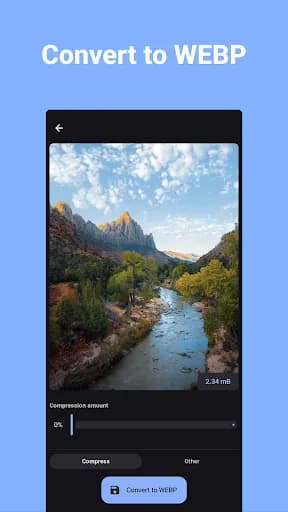
📉 CONTROL QUALITY & SIZE
Pick the compression level to balance image quality against file size - great for the web and for sharing.
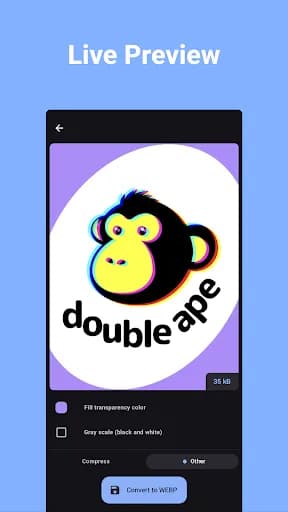
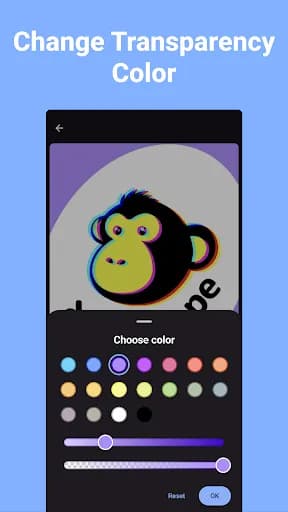
🎚️ TRANSPARENCY SUPPORT
Keep the original image's transparency, or adjust it during conversion.
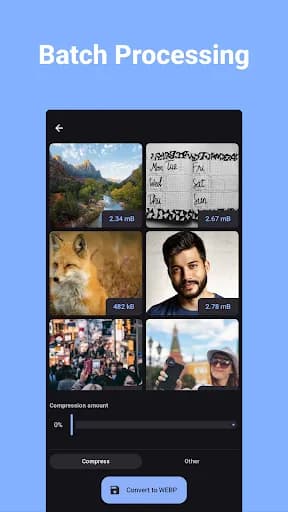
🗂️ BATCH CONVERSION
Convert dozens of images to WEBP in one go instead of one at a time.
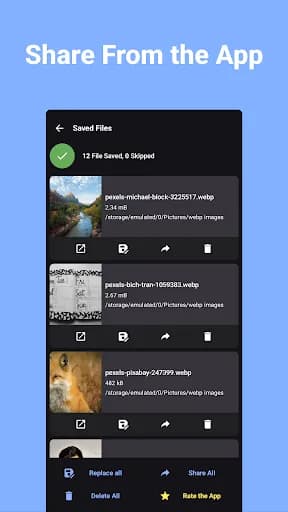
📤 SAVE & SHARE INSTANTLY
Converted images are saved to your gallery, ready to open or share to any app.
🔒 PRIVATE & OFFLINE
All conversions happen on your device - your images are never uploaded.
PERFECT FOR:
🌐 Faster-loading websites & blogs
📱 App assets & graphics
🖼️ Shrinking image libraries without visible quality loss
📧 Sharing high-quality images at smaller sizes
Fast, simple, and free. Download WEBP Converter and convert your first image in seconds.
WEBP is the modern image format built for the web: it keeps your images sharp at a fraction of the file size. Whether you're optimizing a website, shrinking your image library, or preparing graphics for an app, this converter gets you there in a few taps.
🔄 ANY FORMAT IN, WEBP OUT
Convert JPG, JPEG, PNG, GIF, BMP, HEIC and many more formats to high-quality WEBP.
📉 CONTROL QUALITY & SIZE
Pick the compression level to balance image quality against file size - great for the web and for sharing.
🎚️ TRANSPARENCY SUPPORT
Keep the original image's transparency, or adjust it during conversion.
🗂️ BATCH CONVERSION
Convert dozens of images to WEBP in one go instead of one at a time.
📤 SAVE & SHARE INSTANTLY
Converted images are saved to your gallery, ready to open or share to any app.
🔒 PRIVATE & OFFLINE
All conversions happen on your device - your images are never uploaded.
PERFECT FOR:
🌐 Faster-loading websites & blogs
📱 App assets & graphics
🖼️ Shrinking image libraries without visible quality loss
📧 Sharing high-quality images at smaller sizes
Fast, simple, and free. Download WEBP Converter and convert your first image in seconds.
What our users say
A great app for converting / compressing all my high resolution images to webp images that still looks great and light. I use this app to convert images to the webp format before uploading them to my ecommerce website. A big thanks to the developers of this app.

S O. A
Great feature is you can see the size and output size to be before converting. This is very useful in my case. Straightforward and smooth, it also has replacing function when conversion is done, by that you can replace the original file with the converted one directly in two tap from the app! Great effort 💜

Mynul Islam
Good apps. Didn't have option to save setting (something like preset so you can swap between option quickly to min-maxing). Need custom folder output, or just option to overwrite original files. Would be cool to have batch folders

Kevin Carlos
Easy to use. If some use loaded card with Internet. They save allot net. We must learn more use it. Why pay net for "gready" network companies. Whatsup must change so resiver get the picture directly. Mad at gready that take money from pore.

Mikael Borgviken