App description
Flip Video - mirror, rotate and trim your videos in seconds.
Filmed something mirrored or sideways? Flip Video puts it right in a few taps: flip horizontally or vertically, rotate to the correct orientation, and trim away the parts you don't need - one video at a time, or a whole batch at once.
🪞 FLIP & MIRROR
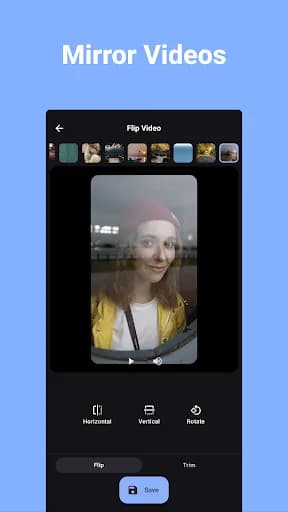
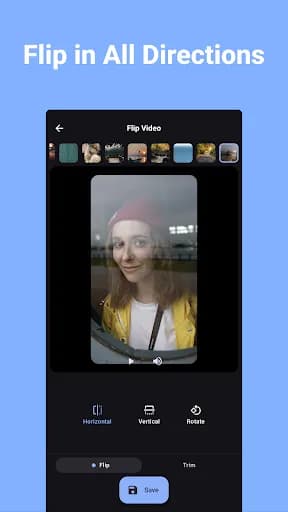
Mirror any video horizontally or vertically with a single tap - the fastest way to un-mirror front-camera footage or create mirror effects.
🔄 ROTATE
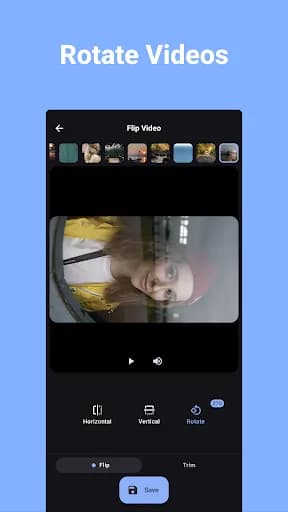
Turn videos by 90°, 180° or 270° to fix sideways or upside-down clips.
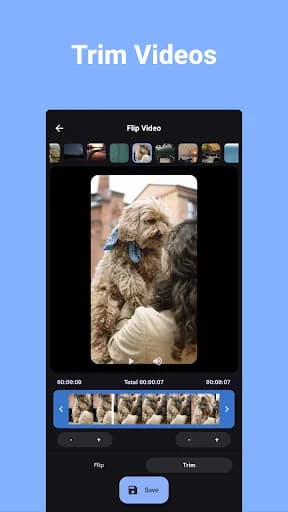
✂️ TRIM
Cut out unwanted parts with an intuitive trimming tool, keeping just the moment that matters.
🔍 CROP & VOLUME
Crop with aspect-ratio presets and adjust the output volume before saving.
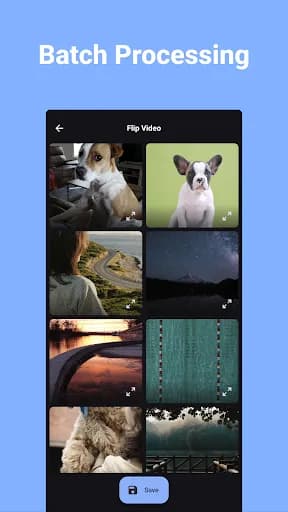
🗂️ BATCH PROCESSING
Flip, rotate and trim multiple videos in one go.
💎 HIGH QUALITY, NO WATERMARK
Your videos keep their quality - and there's never a watermark or logo on the output.
📤 SHARE INSTANTLY
Share edited videos straight to social media, messaging apps or cloud storage.
PERFECT FOR:
🤳 Un-mirroring front-camera videos
💃 Mirroring dance videos to learn or repost choreography
📱 Fixing sideways or upside-down clips
🎬 Quick edits for reels, stories & shorts
🗂️ Cleaning up a whole batch of clips at once
Simple, fast, and free. Download Flip Video and fix your first video in seconds.
What our users say
I like it but i dont understand why it doesn't just let you press a 90/180/270 degree rotate button and it just does that to all your videos in one go. instead you gotta select the videos, then rotate them one by one, THEN it saves. its faster than other current options i can find, but the first app to pull off the single button thing is the one id actually pay for

Josh Nephilim
Batch processing is brilliant! It only took about 3m:30s to flip 7 videos, and watched 1 add before the processing started. The progress bar is accurate, and it looks like it can process videos in the background while you do other things on your device, or allow the screen to time out if you want; although I didn't try those options yet.

Tim Hughes
I just really need something right now to flip my video because I'm too asymmetrical in my video. I just search it on play store download it find my video flip it and save it it's so good and smooth very good! I highly recommend this!

Christine Shayne Ribate
Wow! Took roughly 10 minutes to rotate a 1.44GB video. File size and frame rate stayed EXACTLY the same after rotation. File is automatically saved in a separate folder without deleting the original. Ads are ok while the file gets processed as they don't cover crucial information. One short pop-up ad after the video is finished. A keeper app. 10/10

SeaYouJimmy